Photo 1
Remove 4 15mm Torx screws then disconnect the two backup light sockets and remove license plate & backup light holder from car.
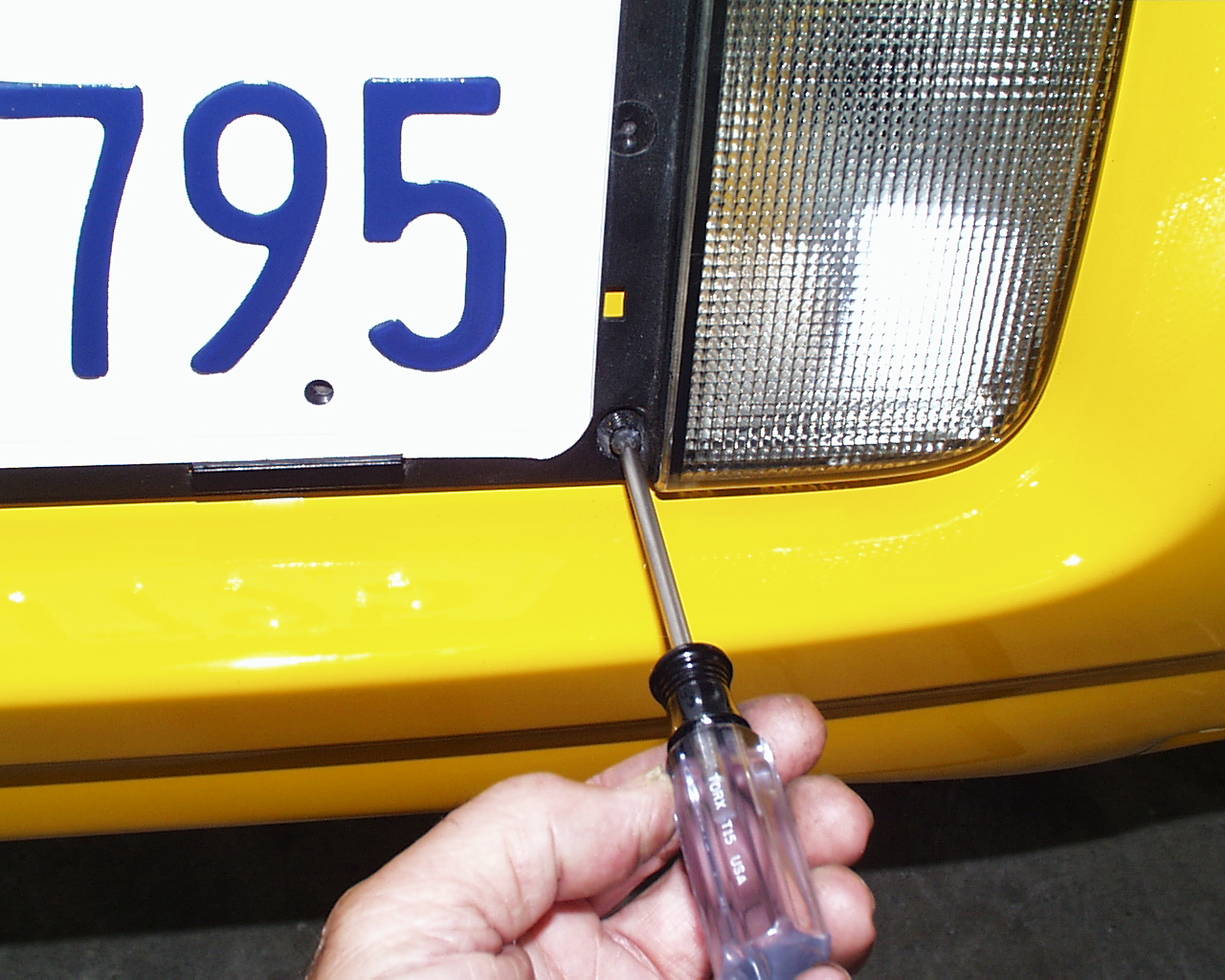
Photo 2
Reach up inside and feel for this connector found just below the center brake light.
With your finger, pull the black clip away from plug while pulling downward on black plug.
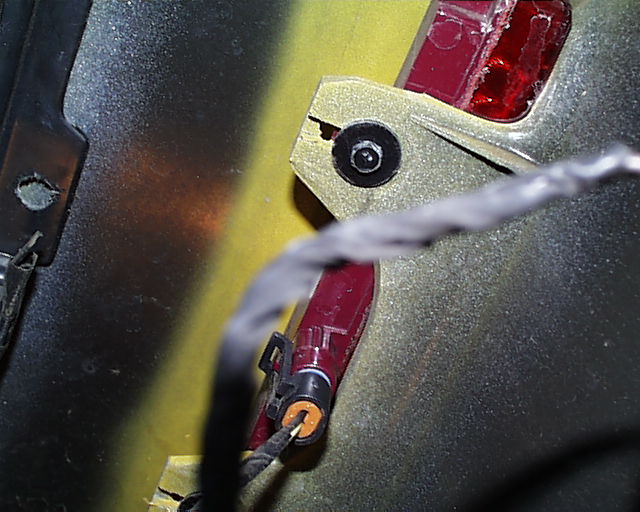
Photo 3
Expose 2-pin connector for accessibility (left).
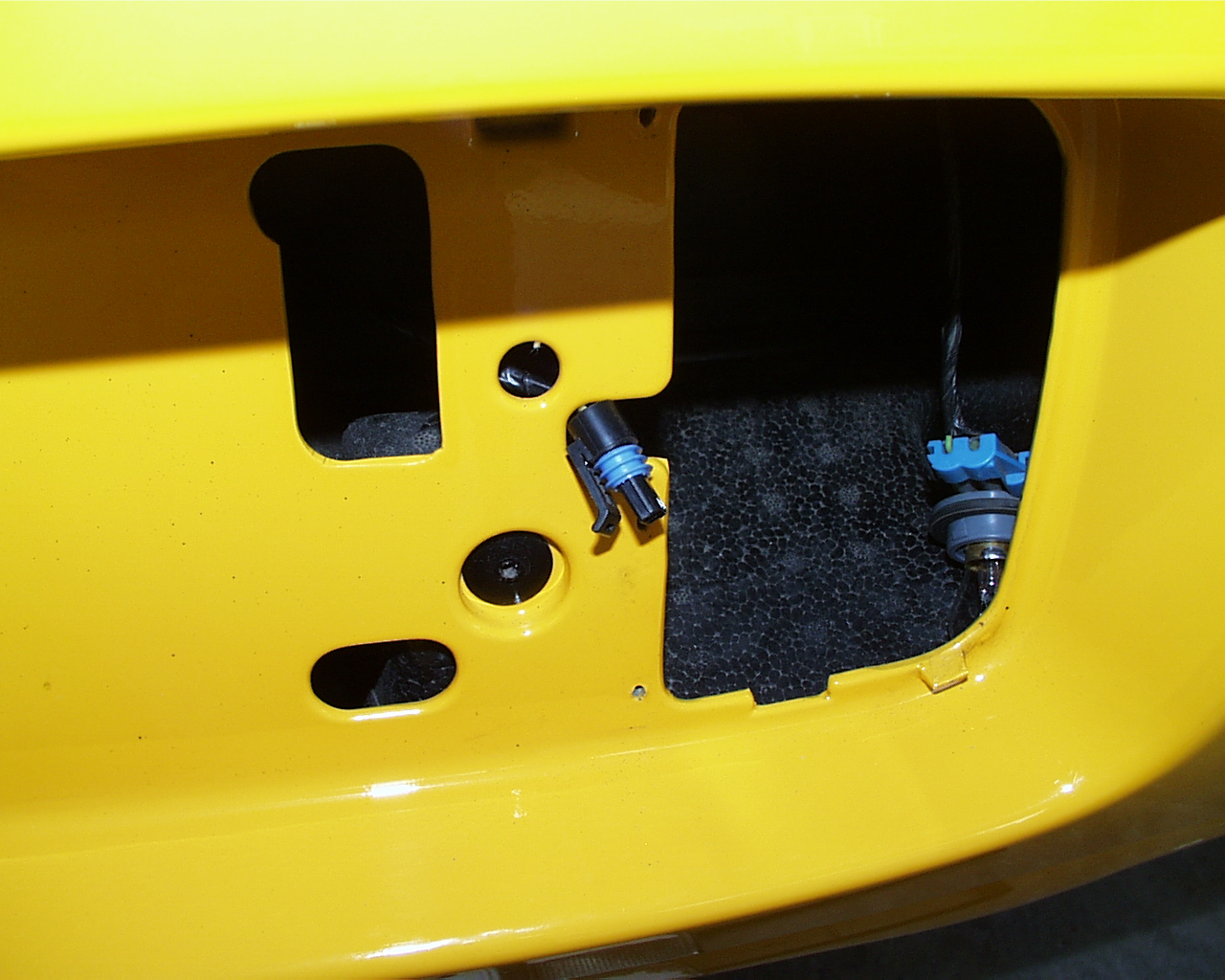
Photo 4
Connect 2-pin connector to the mating connector on the Brake Light Pulser harness.
Note the correct orientation and seat the connector until it snaps into place.
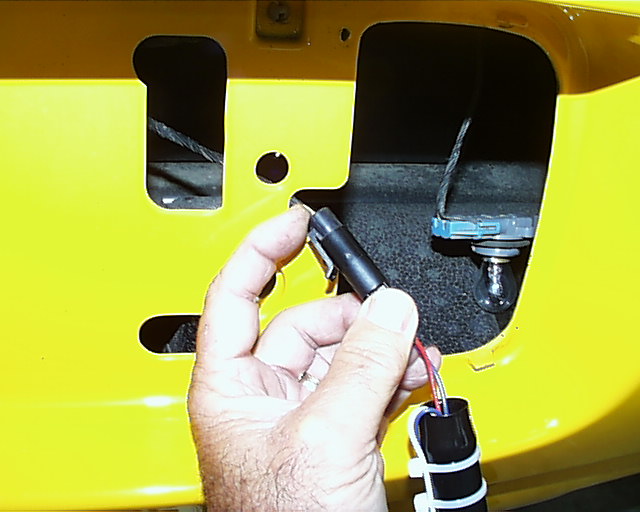
Photo 5
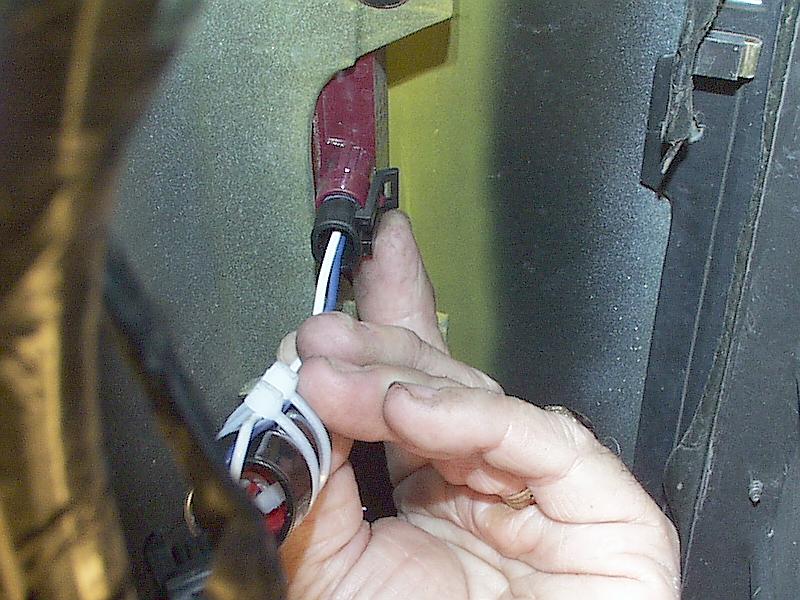
Plug remaining connector from the Brake Light Pulser harness into the third brake light from which you unplugged the factory connector in step 2.
Again, note the correct orientation and seat the connector until it snaps into place.
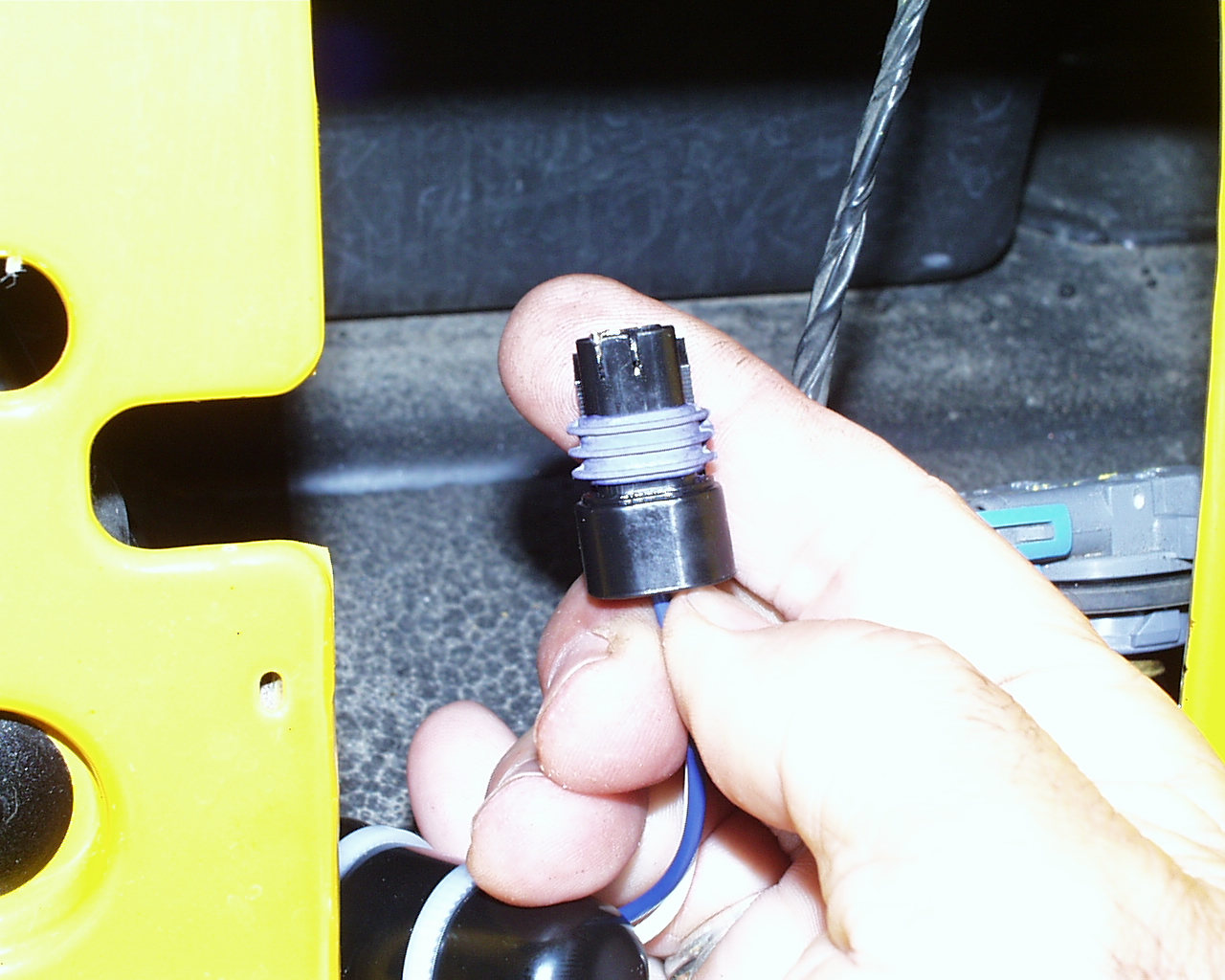
Photo 6
This shows Brake Light Pulser harness being plugged into 3rd brake light socket.
(Ha ha. It's harder to take this photo than to snap the plug into the socket!)
TESTING